How Do You Identify and Solve the Top Faults Causing Clogging in Plastic Granulators?
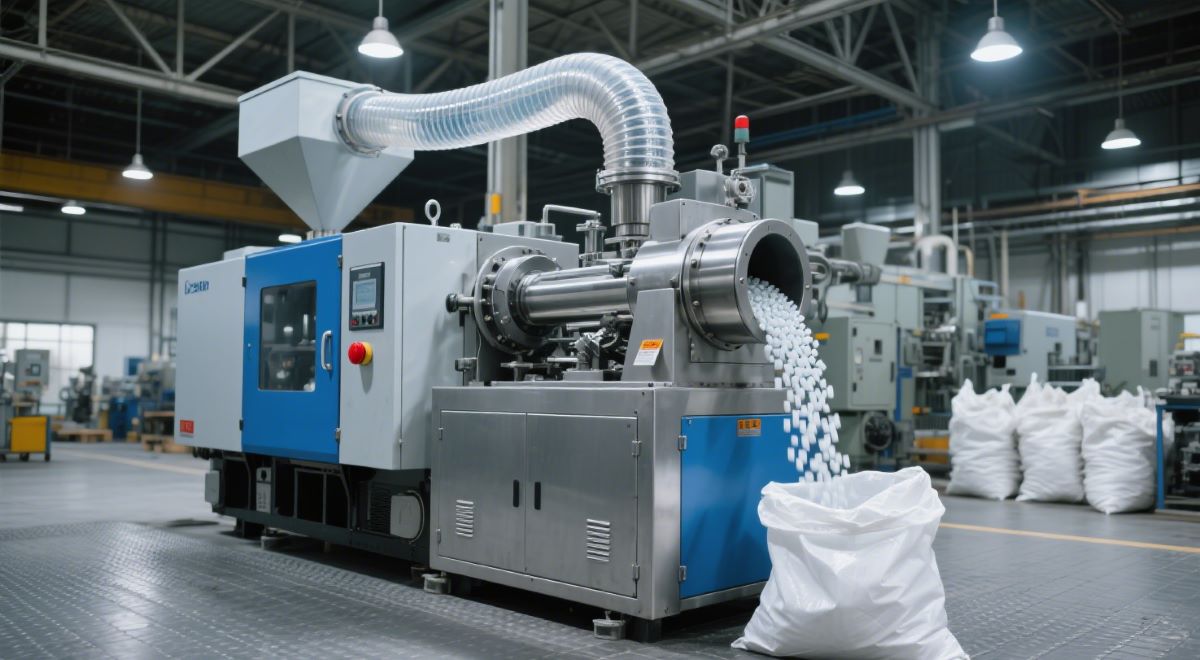
Plastic granulator faults like material contamination, improper feeding, worn blades, and poor temperature control can cause jams or uneven plastic pellets. Quick troubleshooting protects the granulator machine, supports granulator screw wear repair, and improves plastic extruder performance.
- Regular checks and training help maintain efficiency and reduce costly downtime.
- Removing contaminants before processing also extends machine life, offering a reliable uneven plastic pellets solution.
Key Takeaways
- Watch for signs like slow production, unusual noise, and uneven pellet sizes to catch clogging early and protect your granulator.
- Keep materials clean, feed steadily, and maintain blades and temperature controls to prevent jams and improve pellet quality.
- Follow regular cleaning, inspections, and staff training to avoid costly downtime and keep your plastic granulator running smoothly.
Identifying Clogging in Plastic Granulator Operation
Common Signs of Clogging
Operators often notice several warning signs when a plastic granulator begins to clog.
- Blunt blades struggle to cut materials, causing frequent blockages.
- Increased noise and vibration signal imbalance from uneven blade wear.
- Lower throughput means the machine processes less material in the same amount of time.
- Visual inspections may reveal wear on blades, the motor, or the feed system.
- Sudden drops in production speed and visible material buildup inside the machine also indicate clogging.
- Overload safety mechanisms may trigger more often, stopping the machine to prevent damage.
Symptoms of Uneven Particle Size
Clogging often leads to inconsistent pellet sizes. When the granulator cannot cut materials evenly, some pellets become too large while others turn out too small. This unevenness can cause problems in downstream processes. Operators may see a mix of fine dust and oversized chunks in the output. The machine may also produce more waste, and the quality of the final product may drop.
Early Warning Indicators
Early detection helps prevent severe clogging. Operators should monitor raw material conditions, making sure materials stay dry and free from impurities. Regular cleaning of the feed port and crushing chamber removes residual debris. Software monitoring systems track production rate, vibration, and temperature. These systems alert staff to changes that could signal a problem. Following proper start-up and shutdown procedures and maintaining a steady feed rate also reduce the risk of clogging. Routine inspections and timely replacement of worn parts keep the plastic granulator running smoothly.
Main Faults Causing Clogging in Plastic Granulator
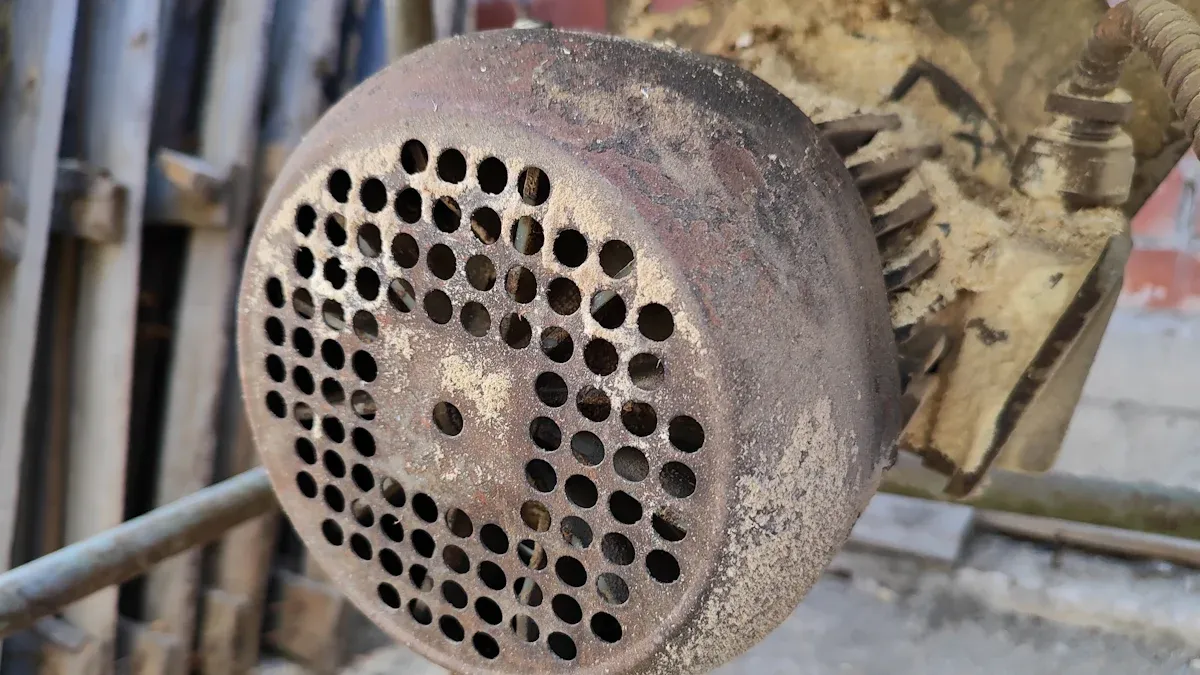
Material Contamination and Impurities
Material contamination stands as a leading cause of blockages in a plastic granulator. Impurities can enter the system from several sources:
- Poor raw material quality introduces black spots and foreign particles.
- Local overheating or too much shearing causes carbonized material to form and stick inside the machine.
- External debris, such as metal objects or hard pieces, can fall into the screw groove and block material flow.
- Fillers and moisture in the raw material can clump together, causing “bridging” at the feed inlet.
- Uncleaned exhaust ports and mold mouths allow carbonized substances to build up.
Tip: Operators should always check raw materials for visible impurities before loading them into the plastic granulator. Regular cleaning of exhaust and discharge ports helps prevent buildup.
When these impurities accumulate, they cause mechanical obstructions, reduce throughput, and may even damage internal components.
Improper Feeding and Excessive Feed Rates
Improper feeding practices often lead to clogging incidents. Feeding too much material at once or too quickly can overwhelm the plastic granulator. This overload increases the risk of jams and can strain the motor.
- Excessive feed rates cause jams and increase the load on the machine.
- Overfeeding may trigger motor overload, which can be detected by monitoring the motor current meter.
- Fast or inconsistent feeding blocks discharge pipes and reduces airflow, making clogging worse.
- Matching the feeding method and conveying equipment helps maintain smooth operation.
Operators should reduce or stop feeding if they notice signs of overload. Consistent and controlled feeding rates keep the system running smoothly.
Worn or Damaged Blades and Screens
Blades and screens play a key role in cutting and sizing plastic granules. Over time, these parts wear down or become damaged, which leads to several problems:
- Worn or dull blades force the plastic granulator to work harder, reducing throughput and increasing energy use.
- Damaged or clogged screens affect the consistency and size of the granules.
- Poor screen condition results in uneven particle sizes and lower product quality.
- Longer processing times and increased waste occur when blades and screens are not maintained.
Operators should sharpen or rotate blades weekly and replace screens quarterly. Regular inspection and cleaning help maintain optimal performance.
Poor Temperature Control and Overheating
Temperature control is critical for smooth operation. If the temperature is too high or too low, several issues can arise:
| Aspect | Temperature Guidance |
|---|---|
| Cooling water temperature | Keep below 25℃ to prevent pellet sticking |
| Temperature control system | Use PID control for stable melt temperature |
- Poor temperature control in the feed throat causes granules to stick together or partially melt, leading to “bridging.”
- Bridging blocks material flow and can cause pressure buildup and motor overload.
- Insufficient heating or heater malfunction increases torque and may cause operational failure.
- High temperatures in the screw and cylinder, combined with poor cooling, can block material transport.
Note: The control panel monitors temperature and will shut down the machine if it exceeds preset limits, protecting the plastic granulator from damage.
Inadequate Cleaning and Maintenance
A lack of regular cleaning and maintenance allows material buildup and mechanical wear to go unnoticed. This neglect leads to frequent clogging and reduced efficiency.
- Daily: Clean and check the hopper, listen for unusual noise, and inspect evacuation paths.
- Weekly: Inspect and clean knives, screens, and belts to prevent material buildup.
- Monthly: Tighten bolts and check bearings for mechanical integrity.
- As Needed: Lubricate moving parts, sharpen knives, and adjust gaps for efficient cutting.
Routine maintenance keeps the plastic granulator in good working order and helps prevent unexpected shutdowns.
Step-by-Step Solutions for Plastic Granulator Faults
Removing Material Contamination
Operators can prevent material contamination by following a clear cleaning process.
- Clean the plastic granulator and all parts, such as the hopper, rotor, blades, and screens, after each run.
- Use magnets and metal separators to catch metal pieces before they enter the machine.
- Choose high-quality raw materials from trusted suppliers.
- Disassemble the granulator for deep cleaning when changing materials.
- Dry all materials to keep moisture levels low, between 0.005% and 0.01% by weight.
- Train staff to use good practices and consider automation to reduce mistakes.
Operators should use wire brushes, degreasers, and lint-free cloths for cleaning. Safety goggles and gloves protect against sharp edges and debris.
Correcting Feeding Techniques
A steady and uniform feeding speed helps prevent clogging. Operators should match the feed rate to the machine’s capacity. Feeding too quickly causes material to pile up, while feeding too slowly can dry out the material and block the flow. Continuous feeding without stops keeps the material moving smoothly.
- Feed large waste steadily and make sure the feed size fits the machine’s port.
- Start the machine and let it reach normal speed before adding material.
- Watch for unusual noises or vibrations and adjust feeding as needed.
Inspecting and Replacing Blades or Screens
Regular inspection keeps blades and screens in good shape. Operators should check blades daily for wear, cracks, or misalignment.
| Task | Frequency | Details |
|---|---|---|
| Visual Blade Check | Daily | Look for wear, cracks, and alignment |
| Blade Bolts & Alignment | Weekly | Tighten bolts and check alignment |
| Blade Sharpening/Replacement | As needed | Sharpen or replace when cutting drops |
Always shut down and lock out the machine before maintenance. Wear gloves and goggles for safety.
Adjusting and Monitoring Temperature Settings
Proper temperature control prevents overheating and sticking. The plastic granulator uses heating zones with independent controllers and sensors. Operators should monitor temperatures in real time and keep them within 160-220°C, depending on the plastic type.
- Use the touchscreen interface to check and adjust settings.
- Clean debris after each shift and apply high-temperature grease to reduce friction.
- The system will shut down if unsafe temperatures are detected.
Implementing Effective Cleaning Routines
Frequent cleaning stops material buildup and reduces clogging. Operators should clean the hopper screen before each run.
- Remove plastic debris and dust after every shift.
- Replace screens and blades during annual maintenance.
- Cleaning more often lowers impurity content and energy use, and improves machine performance.
Preventive Measures for Plastic Granulator Clogging
Routine Inspection Checklists
Routine inspections help operators find problems before they cause clogging. A checklist guides staff through daily, weekly, and monthly tasks. Operators look for worn blades, loose bolts, and blocked screens. They check for strange noises or vibrations. By following a checklist, teams keep the machine clean and safe. This habit lowers the risk of sudden breakdowns and keeps production steady.
Staff Training and Best Practices
Training gives operators the skills to spot and fix issues early. Well-trained staff know how to handle pellets, clean up spills, and listen for odd sounds. They learn to inspect equipment and respond quickly to alarms. Safety training teaches them to use protective gear and follow safety checks. These steps help prevent mistakes that lead to clogging.
- Operators monitor equipment for unusual sounds or vibrations.
- Training covers proper pellet handling and spill response.
- Staff learn to inspect and clean machines regularly.
- Operators react fast to alarms and faults.
- Training includes maintenance routines for top performance.
- Safety training supports smooth operation and fewer errors.
Scheduled Maintenance Plans
Scheduled maintenance keeps machines running well. Regular cleaning and lubrication prevent clogging and extend the life of the equipment. Delaying blade sharpening or skipping inspections can cause material buildup and machine failure. Programs like Precision AirConvey’s Cutting Edge Program remind teams when to sharpen blades and adjust parts. These plans help avoid breakdowns and reduce downtime.
- Dull blades cause material buildup.
- Clogging leads to equipment failure and production stops.
- Too much material can overload motors and damage parts.
- Maintenance programs offer expert advice and reminders.
Quality Control for Incoming Materials
Quality checks on raw materials stop many problems before they start. Staff inspect materials for dirt, metal, or moisture. They use magnets and screens to catch foreign objects. Only clean, dry materials enter the machine. This step keeps the system free from blockages and protects the equipment.
Regular quality control helps maintain smooth operation and high product quality.
- Regular inspection helps operators spot early signs of trouble.
- Quick action keeps machines running and avoids costly stops.
- Teams who follow best practices see better results and steady product quality.
Staying alert and maintaining equipment leads to long-term success.
FAQ
What causes plastic granulator blades to wear out quickly?
Blades wear out fast when operators process hard or contaminated materials. Poor maintenance and infrequent sharpening also reduce blade life.
How often should operators clean a plastic granulator?
Operators should clean the machine after every shift. Regular cleaning prevents material buildup and keeps the granulator running smoothly.
Can clogged screens affect pellet quality?
Yes. Clogged screens cause uneven pellet sizes and lower product quality. Regular inspection and cleaning help maintain consistent output.
